Guide · 10 November 2026
How to tell if your website changes improve your AI visibility
To tell whether a website change improved your AI visibility, ask the same set of customer questions before and after the change, ask each one several times on each AI engine, and compare the share of answers that recommend you. Change one thing at a time, wait a week or two, and keep a dated log of what you changed.
This guide explains each step, and why a single ChatGPT search cannot answer the question.
Why one search proves nothing
Ask ChatGPT the same question twice and you can get two different lists of businesses. The engines sample their answers, and the ones that search the web may pick different pages each time. So if you search once, see your name and celebrate, you might have been lucky. A change is only real when it shows up across many answers.
1. Write down the questions your customers ask
Pick 15 to 30 questions a real customer would type: “best [your service] in [your city]”, “[competitor] alternative”, “cheapest [product] for [kind of customer]”. Mix questions where you should obviously appear with harder ones. Then freeze the list. If the questions change, the numbers stop being comparable.
2. Measure a baseline before you change anything
Ask every question on each engine you care about, at least twice, and count the answers that name you. That share is your baseline. Note which competitors appear and which websites the engines cite as sources; those are often the fastest things to act on.
3. Change one thing, and log it with a date
Rewrite the home page so it says plainly what you do and for whom, add a page that answers a question you are missing from, or get listed on a site the engines keep citing. Do one at a time and write down the date. If you change five things in a week, you will not know which one worked.
4. Give the engines time to notice
Engines that search the web, such as Perplexity and ChatGPT with search, can see a new page within days of it being crawled. What a model learned in training changes far more slowly. Wait at least a week, and expect the search-based engines to move first.
5. Compare like with like, week over week
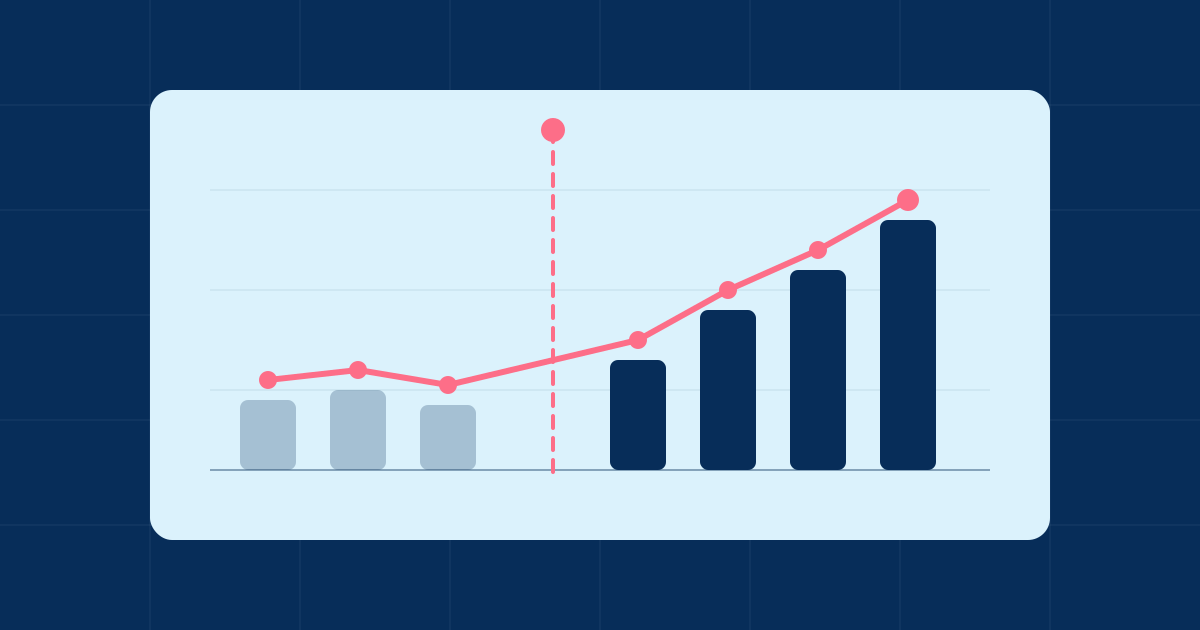
Ask the same questions, the same number of times, on the same engines, and compare the share of answers that recommend you. Look at each engine separately: a jump on Perplexity with no change on Claude tells you the change reached web search but not the model. One week's rise can be noise; two or three weeks in the same direction is a trend.
Doing it without a spreadsheet
You can run this by hand with a spreadsheet and an hour a week. Sightify does the same thing automatically: it keeps your questions fixed, asks each one twice on every engine each week, and shows the change next to the list of fixes. Plans start at the price on the pricing page, and the first report is free.
Get your baseline for free
No email, no card. The report appears in about 4 minutes.